Import a polar (.pol, .csv, .txt) or start from a reference
Add a polar to Avelsta from a .pol, .csv or .txt file, from the library of more than 510 reference polars, or by copying one of your polars. Accepted file format.
The essentials
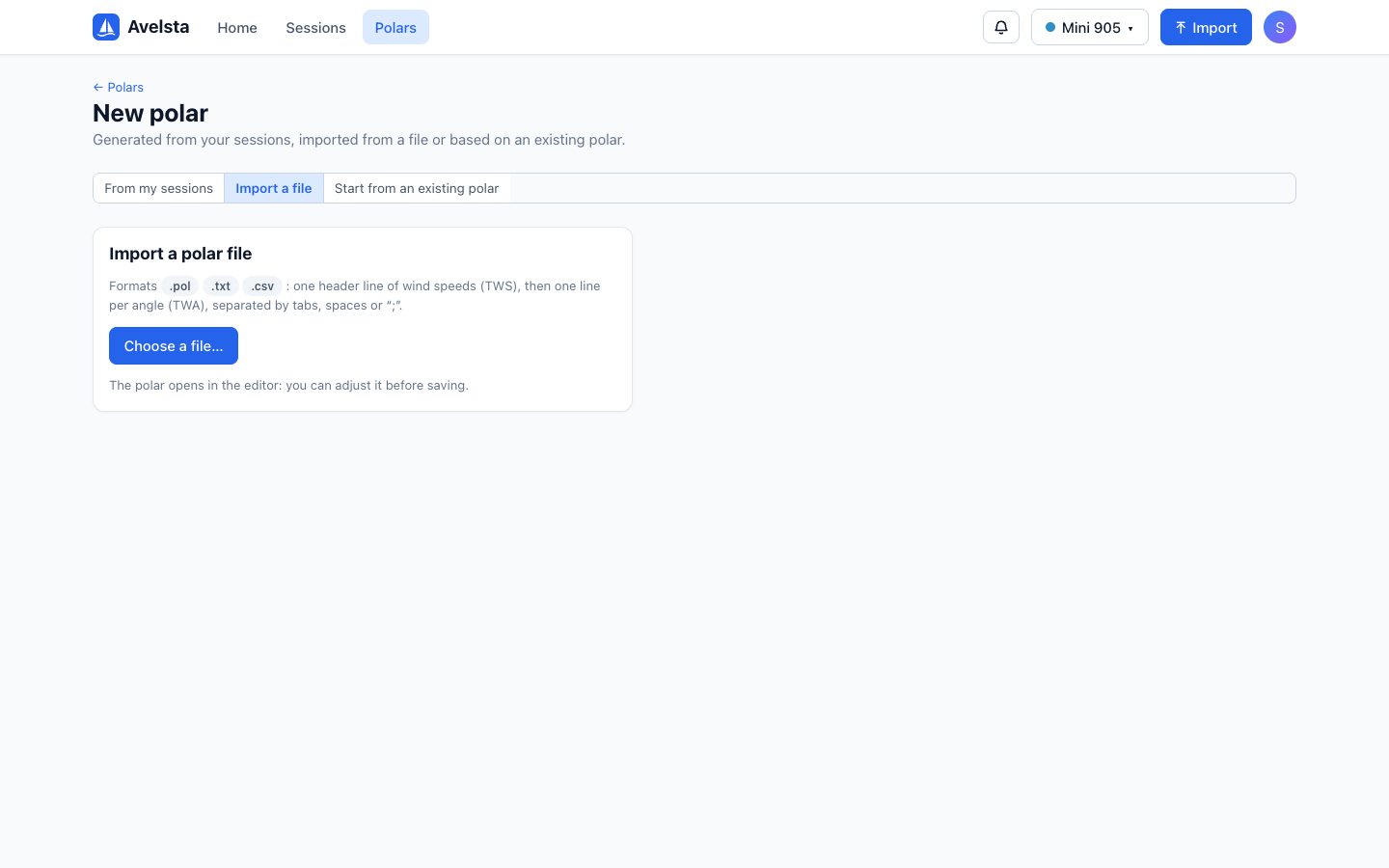
- Open Polars, then + New polar.
- Import a file tab: click Choose a file… and pick your
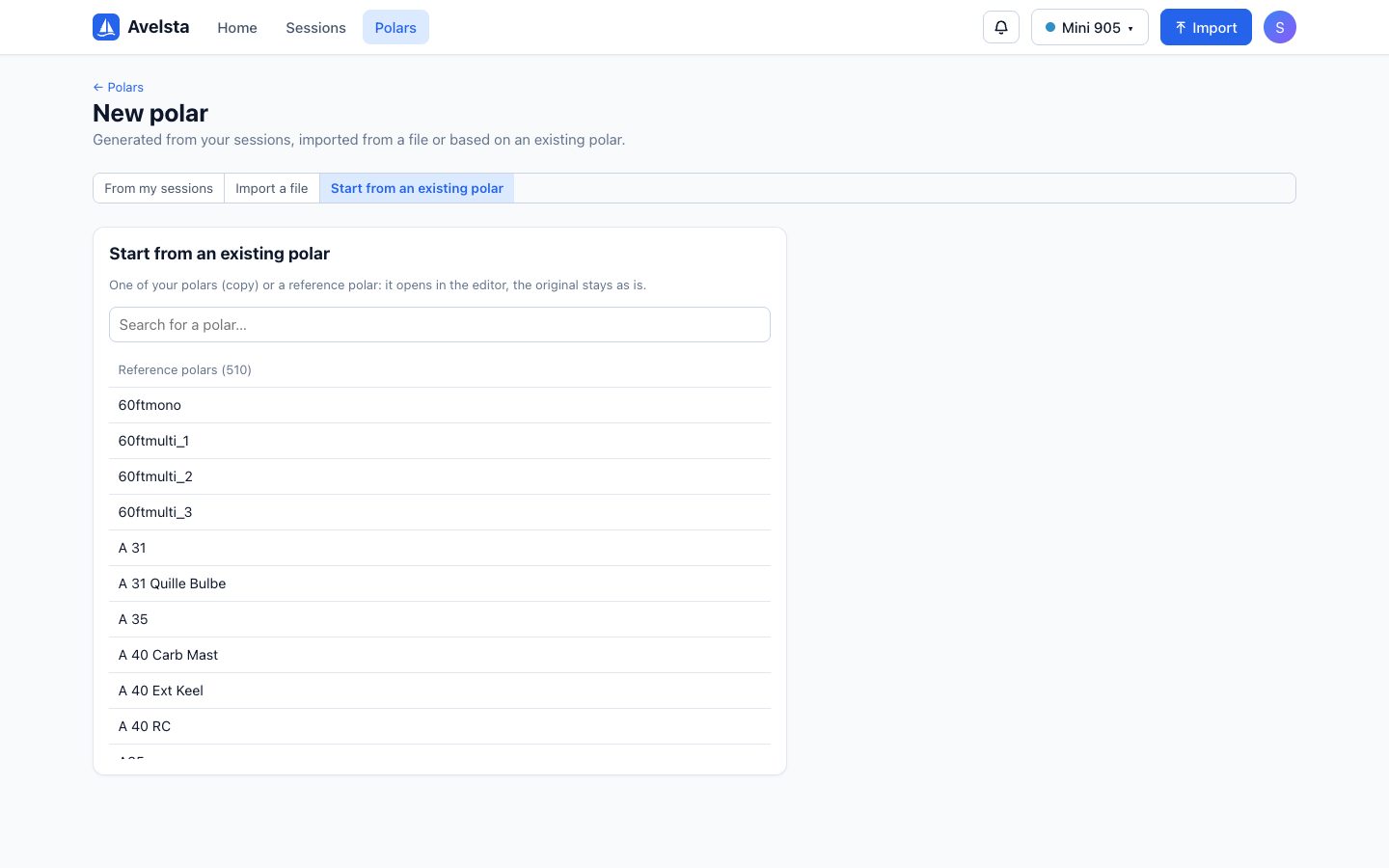
.pol,.csvor.txt. - Or the Start from an existing polar tab: search for a boat model among the reference polars, or one of your polars.
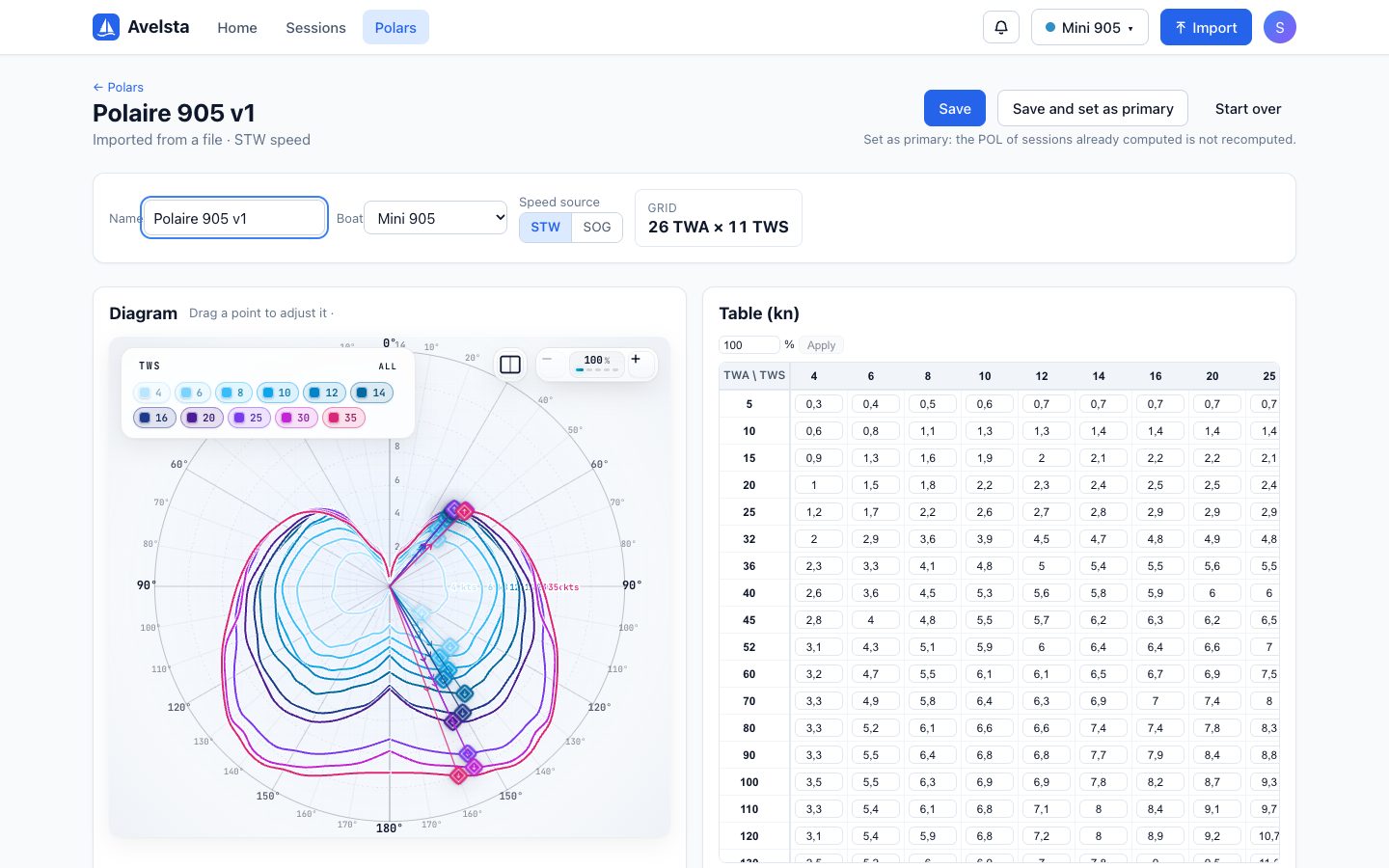
- The polar opens in the editor: choose the boat, check the name and the speed source (STW / SOG).
- Click Save or Save and set as primary.
Going further
File format
A header row with the wind speeds (TWS, in knots), then one row per angle (TWA, in degrees) with the boat speed for each wind speed:
TWA\TWS  6    8    10   12   14   16   20
45       4.0  4.8  5.5  5.7  6.2  6.3  6.2
60       4.7  5.5  6.1  6.1  6.5  6.7  6.9
90       5.5  6.4  6.8  6.8  7.7  7.9  8.4
120      5.4  5.9  6.8  7.2  8.0  8.9  9.2
150      3.6  4.8  5.7  6.4  7.3  8.7  9.3
- Accepted separators: tab, spaces, semicolon or comma.
- The first cell of the header can hold a label (
TWA\TWS,TWA,0…) or be missing. - Decimal comma accepted (except in a comma-separated CSV).
- An empty cell stays empty without shifting the next columns (with
;, tab or,).
This is the format of the .pol files used by most routing software. A file without a readable grid is rejected with a clear message.
Reference polars
Avelsta offers a library of more than 510 polars of common sailboats, searchable. Choosing a reference creates a copy you can edit; the original stays untouched. The same references are used to complete generated polars.
Copying one of your polars
Still in Start from an existing polar, your own polars are listed first: handy to create a variant (new sails, another setup) without touching the original.
Frequently asked questions
My file is in km/h or m/s
Avelsta expects knots for both the wind and the boat speed: convert the file before importing it.
Can I export a polar?
Export to the .pol format is planned for a future version.