Create and manage your boats
Add a boat in Avelsta, fill in its details (builder, length, displacement…), choose the main boat, filter the app on a boat, view its statistics.
The essentials
Every session, polar and sail belongs to a boat. Your account holds at least one.
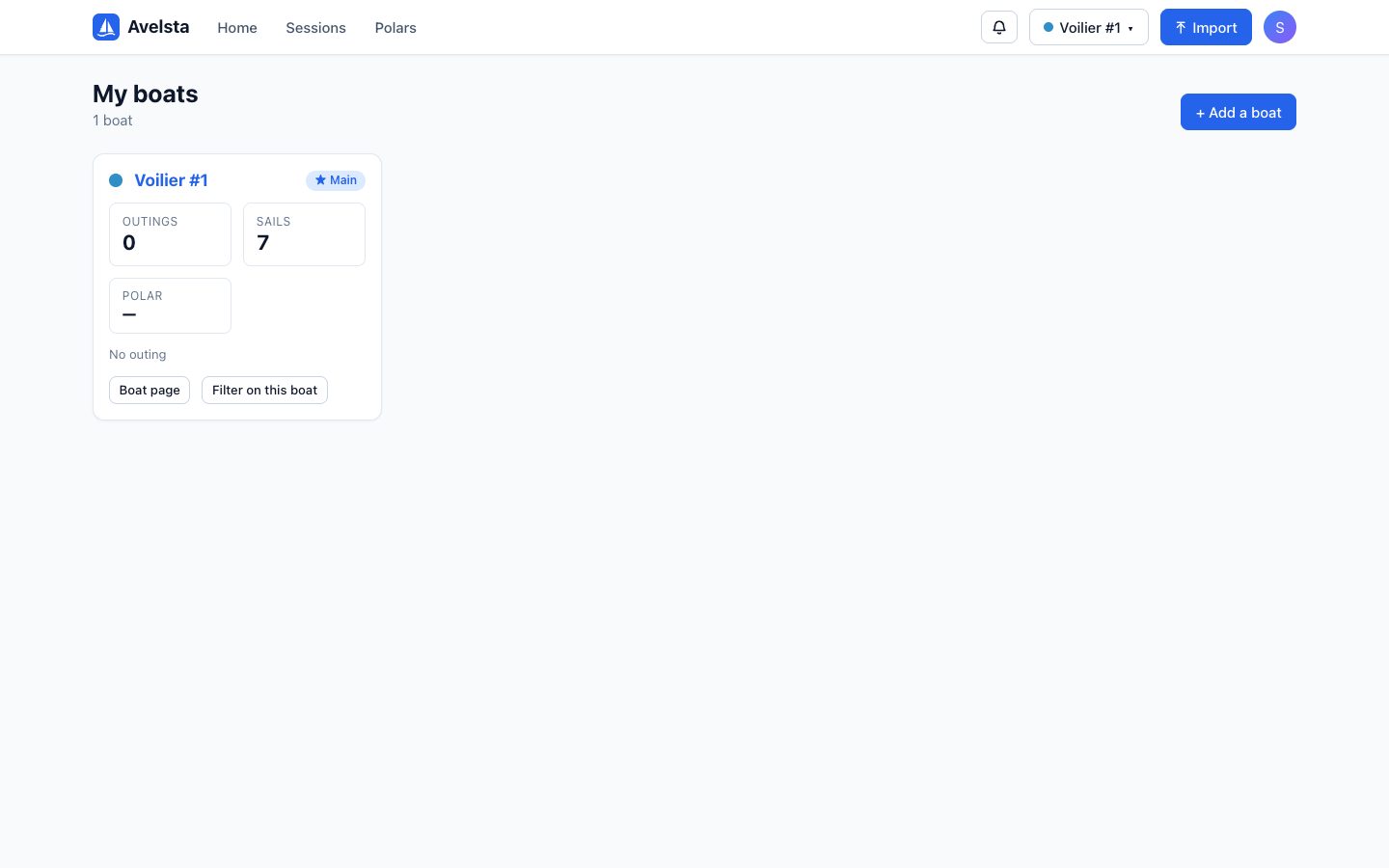
- Open the profile menu, then My boats (or Manage my boats in the boat selector).
- Click Add a boat, type its name (and its type, optional), then Create.
- Click a boat card to open its sheet: Summary, Polars, Sails, Specifications.
- Filter the app on this boat restricts the home screen, sessions and polars to this boat.
Going further
The summary
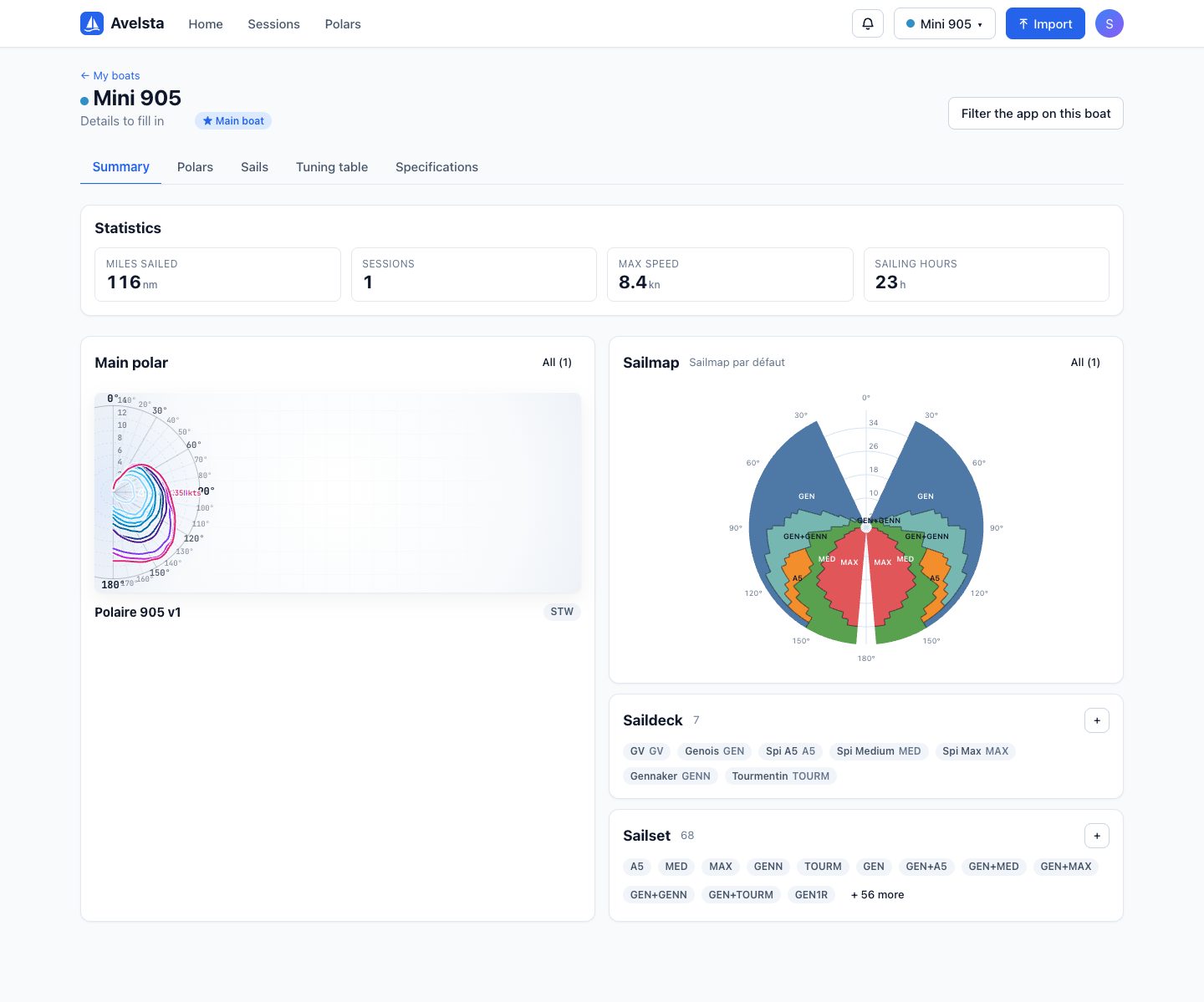
The Summary tab gathers the boat’s statistics (miles sailed, sessions, max speed, sailing hours), its main polar, its sailmap and its sails.
Specifications
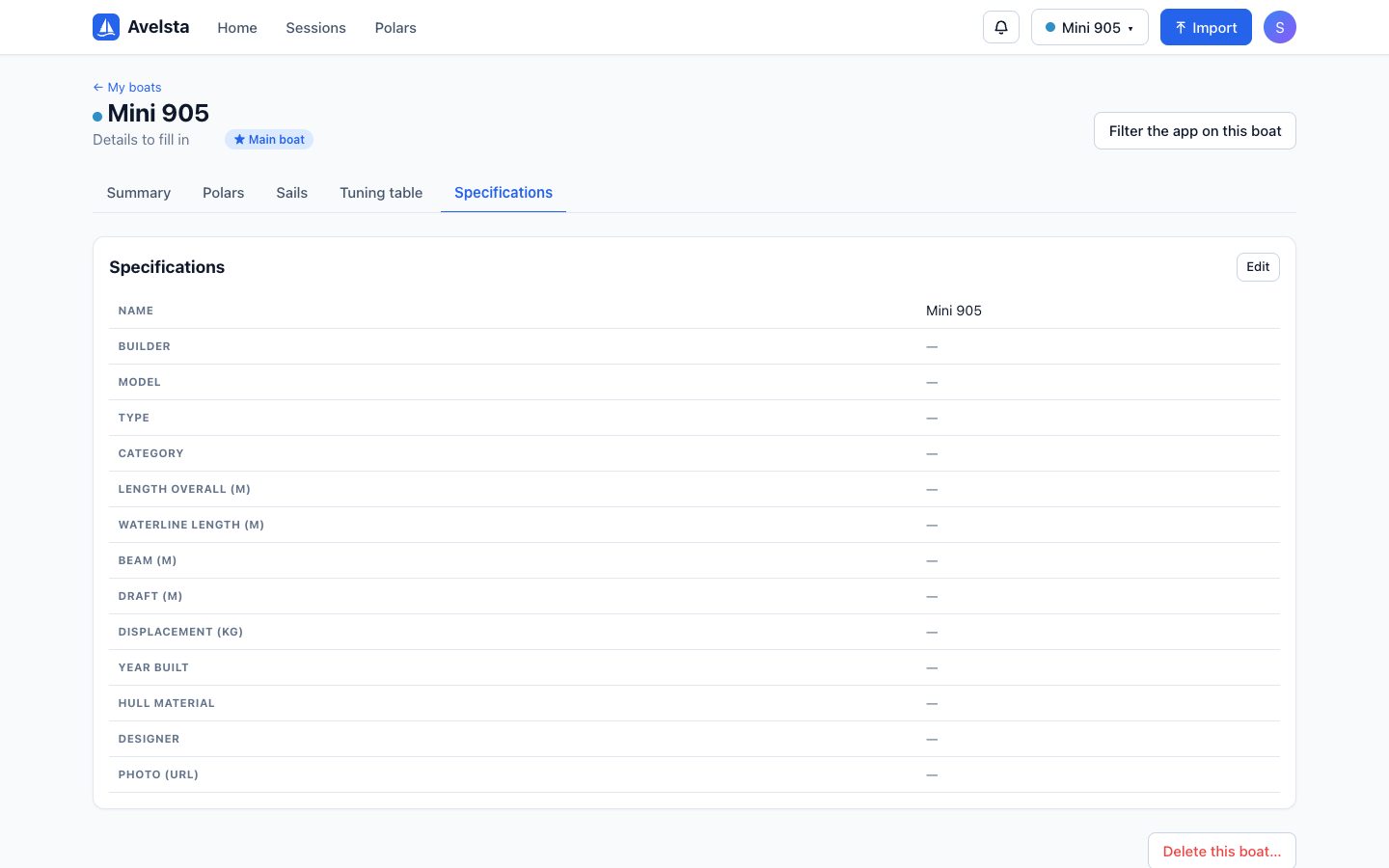
The Specifications tab describes the boat: builder, model, type, category, length overall, waterline length, beam, draft, displacement, year built, hull material, designer and photo. While it is empty, the sheet shows “Details to fill in”.
The main boat
The main boat is offered by default when importing and on the home screen. Use Set as main boat on its sheet.
The other tabs
| Tab | Content |
|---|---|
| Polars | The boat’s polars, primary first: see Edit a polar |
| Sails | Saildeck, Sailset and Sailmap: see Sails and configurations and The sailmap |
| Tuning table | Coming soon |
Deleting a boat
At the bottom of the Specifications tab, Delete this boat… permanently erases the boat, its sessions, polars, imports and log files. If it was the main boat, another one takes over. This cannot be undone.
Frequently asked questions
Can I manage several boats?
Yes, as many as you like, each with its own polars, sails and sessions.
Can I move a session from one boat to another?
No: a session is built from its boat’s timeline. Import the logs on the right boat.