Read NKE datalogger .LOG files (Box USB Datalog WiFi)
How to open the .LOG files (NMEA 0183) of the NKE Box USB Datalog WiFi datalogger: drop them into Avelsta, with no software, and get the track, curves, replay and polar.
The essentials
The NKE Box USB Datalog WiFi datalogger (often called Box WiFi) records the NMEA 0183 output of your instruments in .LOG files, named for example NKE00058.LOG, NKE00059.LOG… Avelsta accepts them and reads them directly.
- Copy the
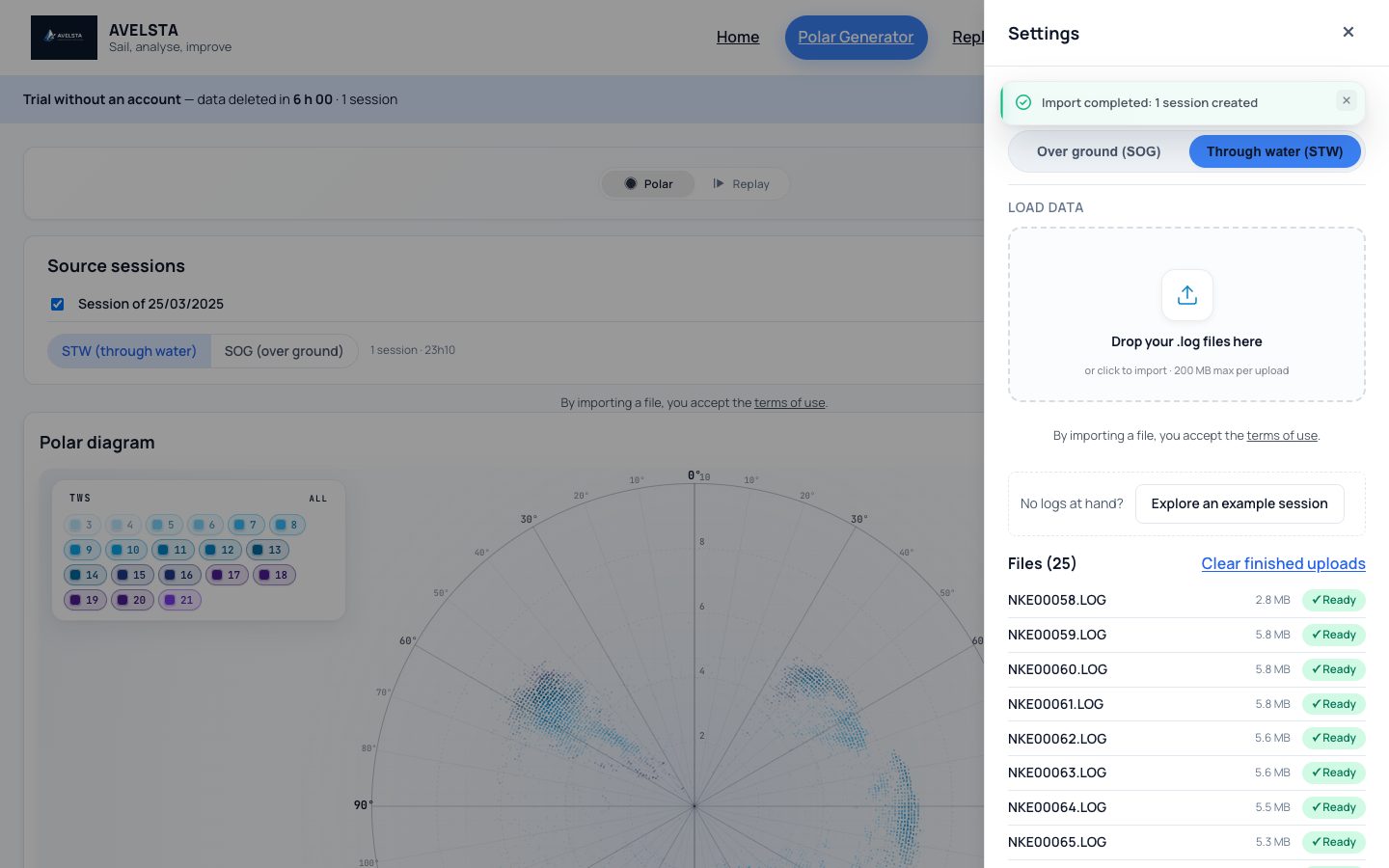
.LOGfiles from the box (micro SD card) to your computer or tablet. - Open avelsta.app/replay (no account) or click Import in your account.
- Drop all the files at once, without renaming or sorting them.
- The files switch to Ready: your sailing sessions show up, split automatically.
Going further
Dozens of files for one outing
The box splits the recording into many files: 25 files for a 24-hour sail, for example. Drop them all: Avelsta puts them back together, aligns the time on the GPS and splits the sessions at the stops.
What you read
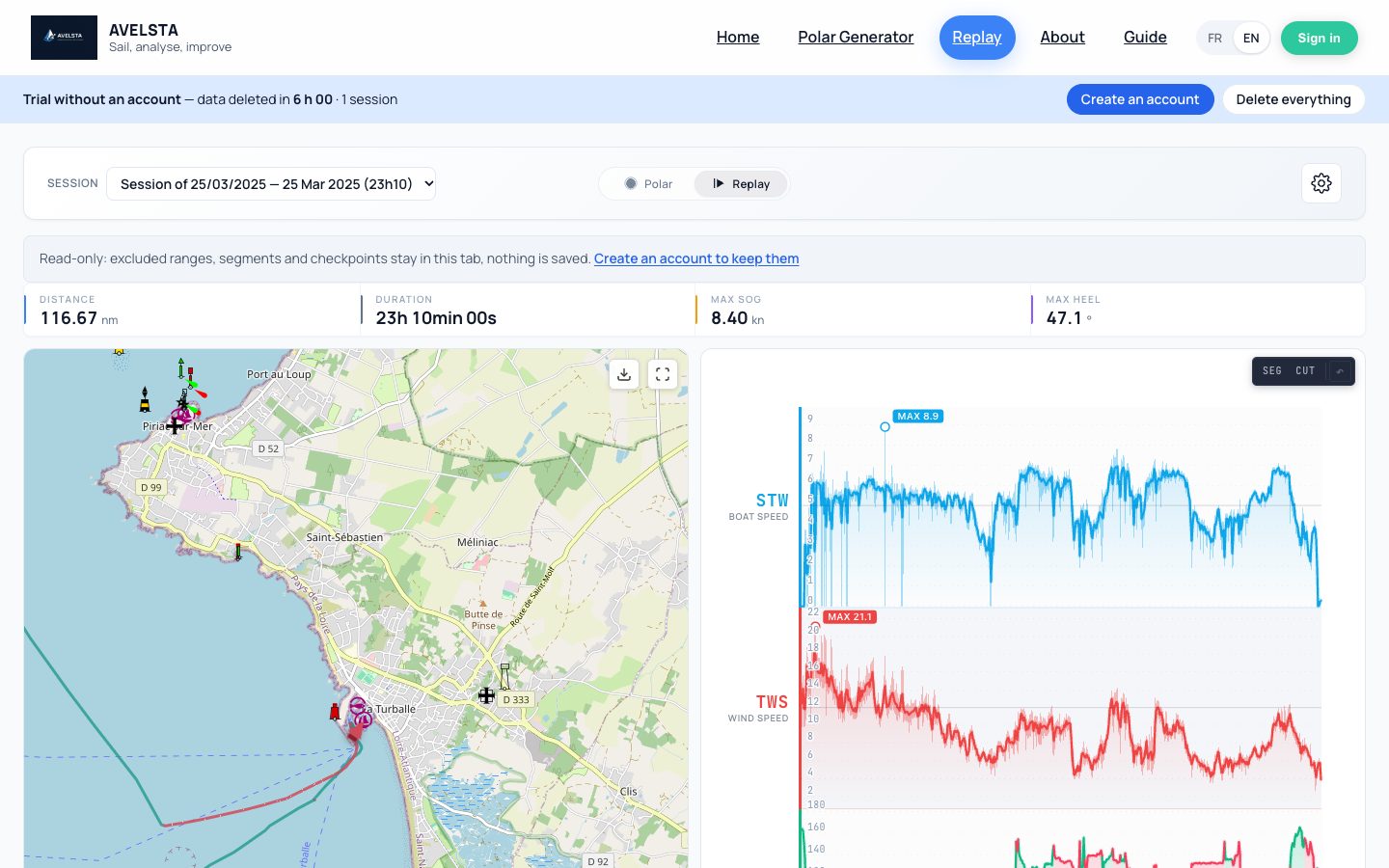
Everything your instruments sent on the NMEA output: position, speed over ground and through water, heading, apparent and true wind, wind direction, heel, pitch, current, depth, temperatures… The NMEA sentences read are listed in Supported log formats.
Empty or damaged files
An empty .LOG (recording started then stopped straight away) or a badly damaged one is flagged without blocking the others. See Import errors.
With a Processor HR
.nkz files from an NKE Processor HR are dropped on the same boat and complete the same timeline. See Read a .nkz file.
Frequently asked questions
Can I open an NKE .LOG with a text editor?
Yes, it is NMEA 0183 text, but unreadable as is. Avelsta turns it into a map, curves and statistics.
Do the .LOG files need to be renamed?
No. Drop them with their original name.
How many files can I drop?
Up to 500 files per upload; without an account, 200 MB in total per upload.