Create an account and sign in
Create a free Avelsta account with Google, terms of use, first boat created automatically and transfer of your trial without an account.
The essentials
A free account keeps your boats, sessions and polars, and lifts the upload size limit. You sign in with a Google account.
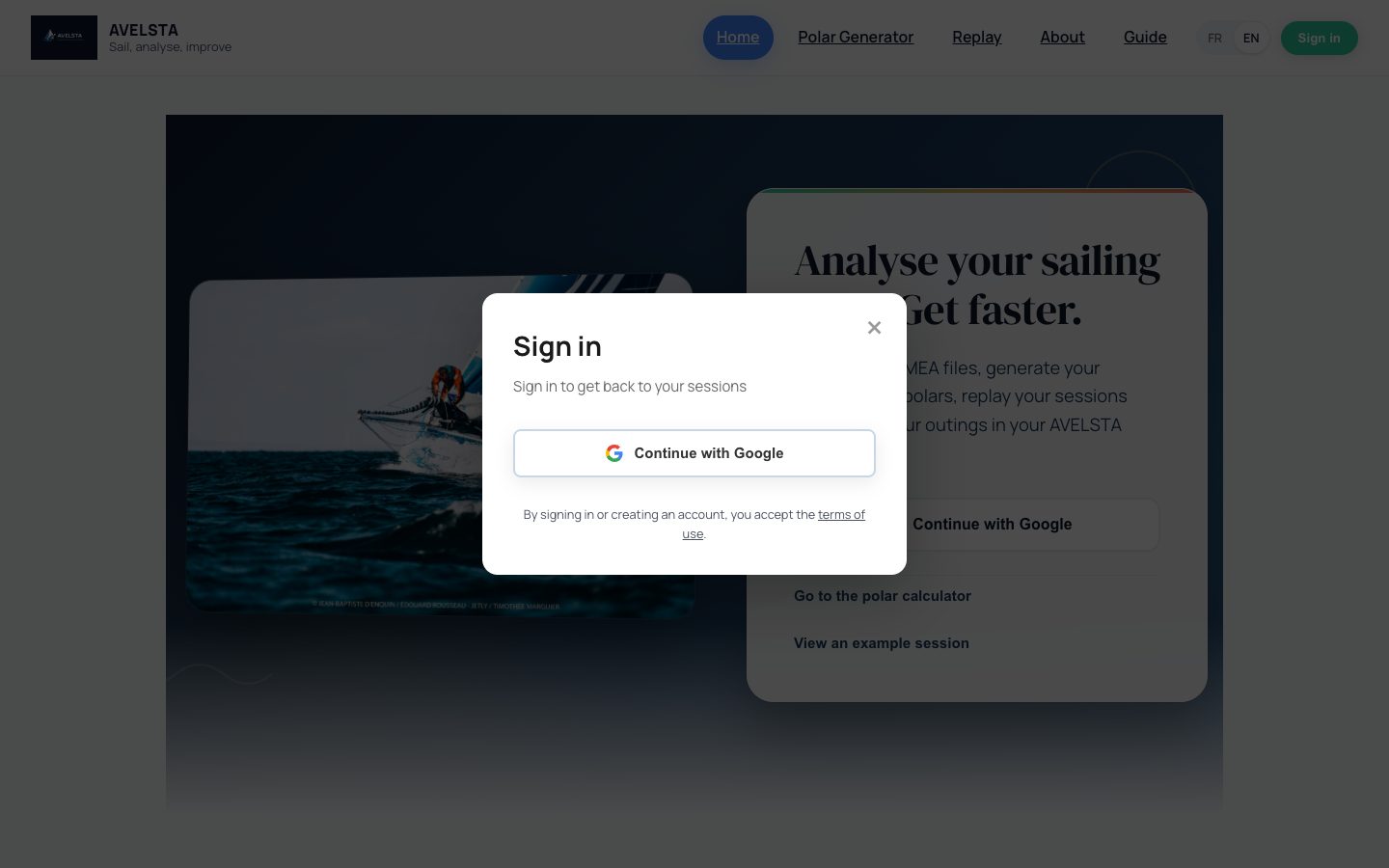
- On avelsta.app, click Sign in (or Continue with Google on the home page).
- Click Continue with Google and choose your Google account.
- On your first visit, your Avelsta account is created: by signing in, you accept the terms of use.
- You land on your home screen, with a first boat already created.
Going further
The first boat
Every account is created with a main boat named “Voilier #1”, with a set of sails and a default sailmap. Rename it and fill in its details from My boats.
Keeping your trial sessions
If you uploaded logs without an account, click Create an account in the trial banner and create your account from the same browser: the trial sessions, imports and files are moved to the account. Signing in to an account that already exists moves nothing: the trial stays readable until it expires. See Try Avelsta without an account.
Account language
The interface language at sign-up becomes the account language (French or English). It is also used for notifications and can be changed in your profile.
Updates to the terms of use
When the terms change, Avelsta asks you to read and accept the new version before you continue. The acceptance date is shown in your profile.
Frequently asked questions
Can I create an account without Google?
Not at the moment: sign-up with email and password will come in a future version. Meanwhile, the trial without an account needs no address at all.
Does Avelsta access my Google account?
Avelsta receives your name and email address to create your account. It does not access your emails or your Google files.