Sails and configurations (Saildeck, Sailset)
Describe a boat’s sails in Avelsta: headsails and mainsails, abbreviations, reefs, then sail combinations (configurations) used by the sailmap and the sessions.
The essentials
Avelsta separates the sails (the Saildeck: what you have on board) from the configurations (the Sailset: the combinations actually carried, for example “Main 1 reef + Solent”).
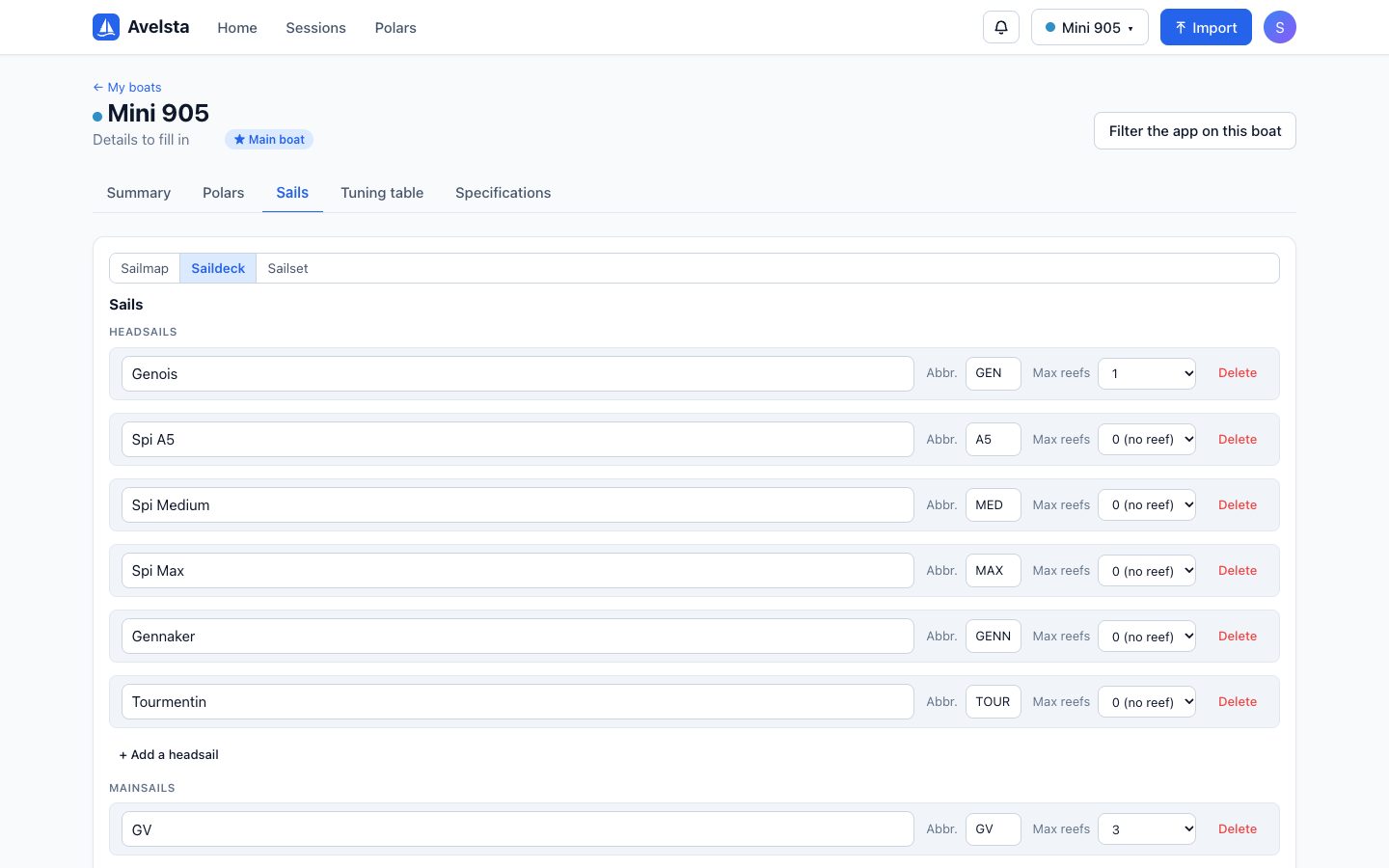
- Open the boat sheet, Sails tab, Saildeck view.
- Add each headsail and mainsail: name, abbreviation (GV, GEN, A5…) and maximum number of reefs (0 if the sail cannot be reefed).
- Switch to the Sailset view to create the configurations: a mainsail and/or a headsail, with the number of reefs.
- Generate all configurations creates every possible combination at once.
Going further
The default sail set
Each new account gets a typical set of sails (mainsail, genoa, spinnakers, gennaker, storm jib) and a default sailmap. Adapt them to your boat: rename, delete, add.
Configurations
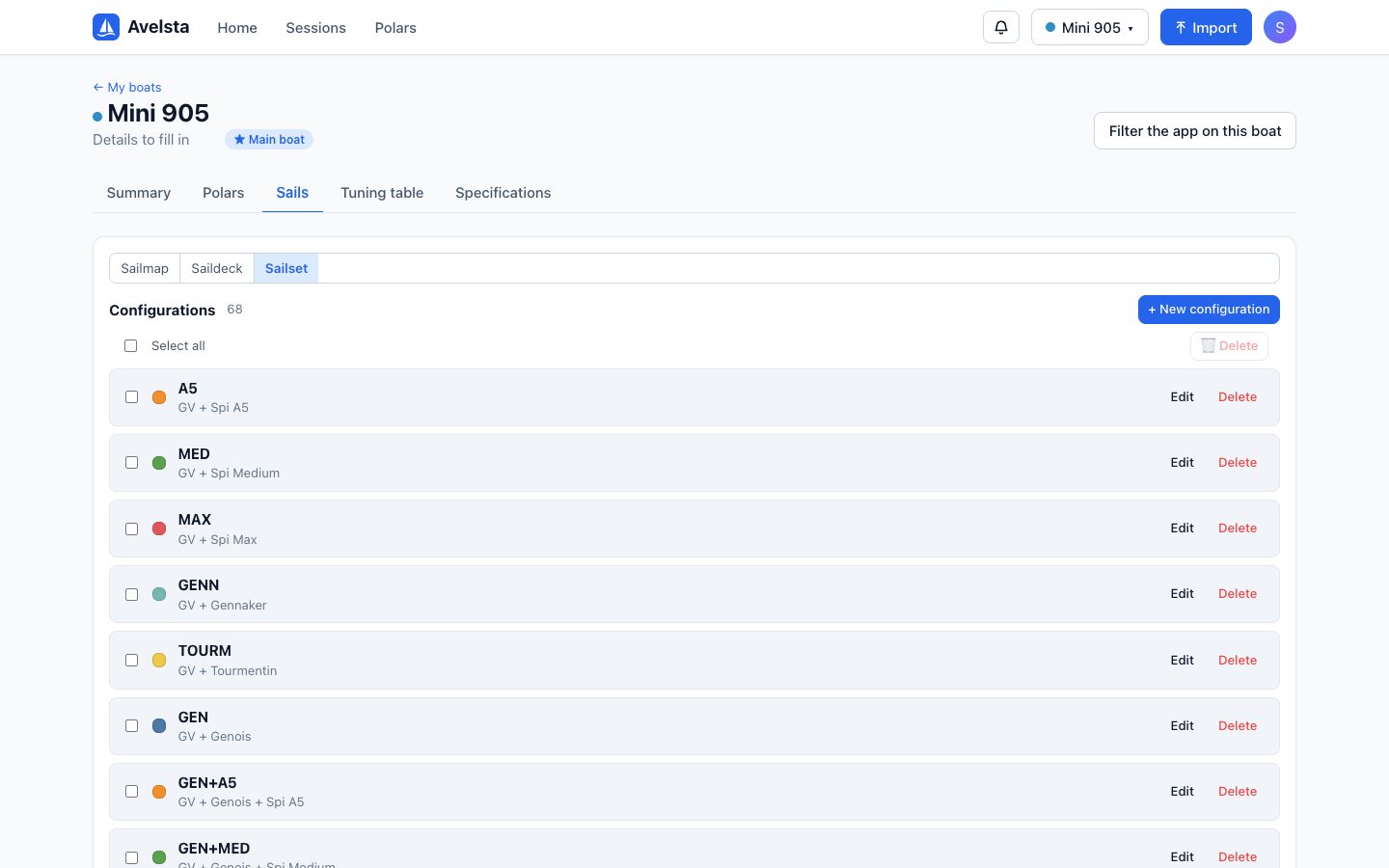
A configuration holds at least one sail. Its name is automatic (for example GV1R+GEN) or chosen by you. Each configuration has a colour, used in the sailmap and on the SAIL row of the timeline.
Deleting a sail or a configuration
Deleting a sail also deletes the configurations that use it. A configuration used in a sailmap frees its cells (they become empty); Avelsta tells you how many cells are affected before you confirm.
What are configurations used for?
- Building the sailmap: which configuration for which angle and wind speed.
- Recording, on each session, the sails carried and comparing them with the plan: see Sail configurations on a session.