Find your sessions
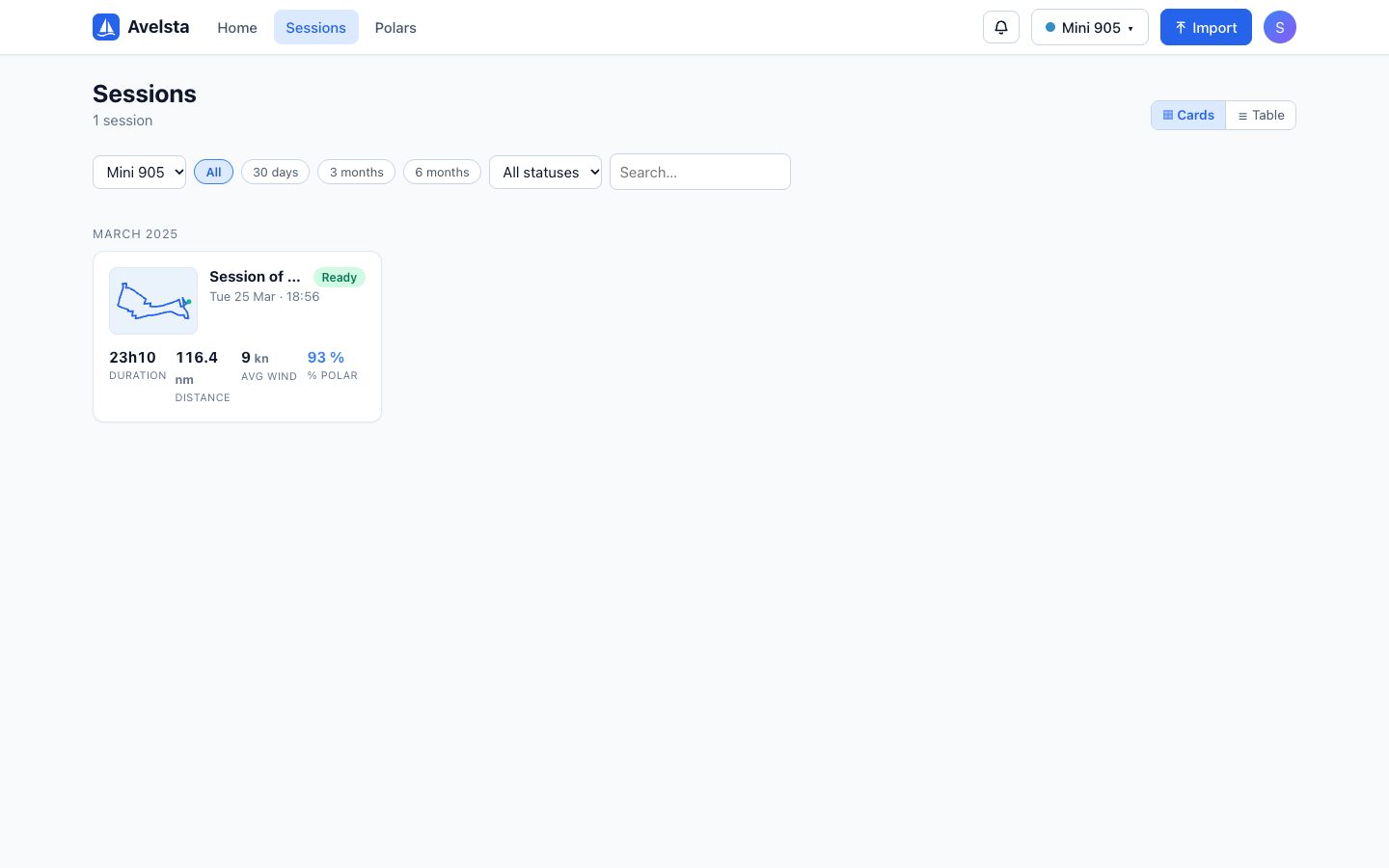
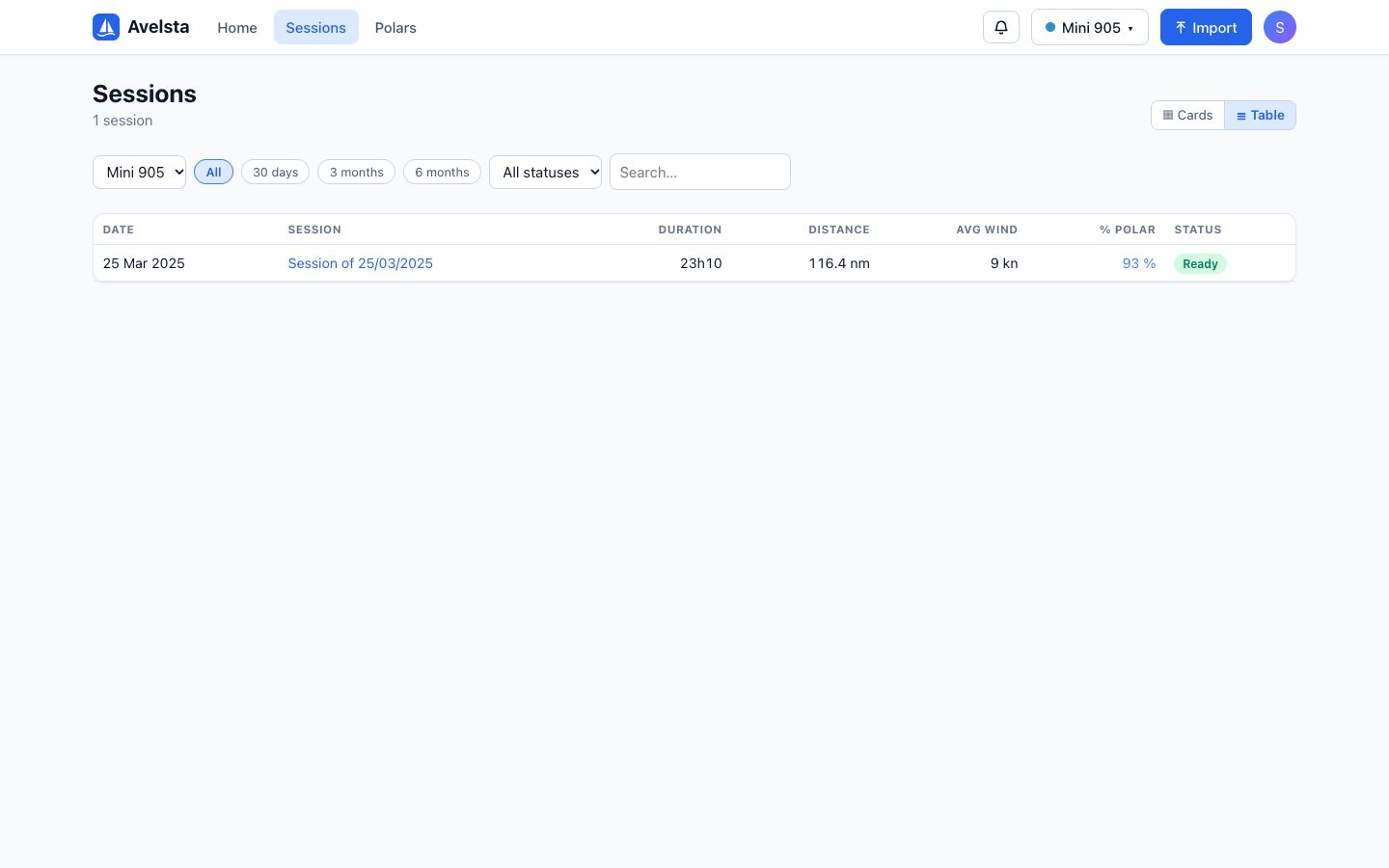
The Avelsta session list: cards or table view, filters by boat, period and status, search by name, statistics of each sailing session.
The essentials
- Click Sessions in the main menu.
- Filter by boat, by period (30 days, 3 months, 6 months, All) and by status.
- Type a few letters in Search… to find a session by its name.
- Click a session to analyse it.
Going further
Cards or table
The Cards / Table button changes the layout; the choice is remembered. Cards are grouped by month and show a preview of the track. The table lines up date, name, boat (when all boats are shown), duration, distance, average wind, polar percentage and status, to compare your outings at a glance.
Statistics of a session
Cards and table show the duration, distance, average wind and polar percentage; the maximum speed is shown in the session header.
| Value | Definition |
|---|---|
| Duration | From the first to the last sailing point |
| Distance | Nautical miles sailed (dock, GPS jumps and excluded ranges removed) |
| Avg wind | Average true wind speed (TWS) |
| Max speed | Maximum boat speed |
| Polar % | Average polar percentage: see Polar percentage |
Statuses
| Status | Meaning |
|---|---|
| Ready | Session computed, ready to view |
| Processing | Being created after an import |
| Updating | Being recomputed (new data, polar changed, excluded range) |
| Failed | Computing failed: open the session and click Retry |
Session names
By default a session is named after its date (“Session of 25/03/2025”). Rename it from its header (click the name): the search uses this name.
Sessions of an import
The link in an end-of-import notification opens the list filtered on the sessions of that import. Click the filter chip to remove it.