Online NKE file reader (.nkz and .LOG)
Open your NKE files in the browser, with no software to install: .nkz from the NKE Processor HR and .LOG from the NKE Box USB Datalog WiFi datalogger. Track, curves, replay and polar, for free.
The essentials
Avelsta is an online reader for NKE files. It accepts:
| File | NKE hardware |
|---|---|
.nkz |
NKE Processor HR instrument processor |
.LOG |
NKE Box USB Datalog WiFi datalogger (Box WiFi), NMEA 0183 output |
- Open avelsta.app/replay: no account, no install.
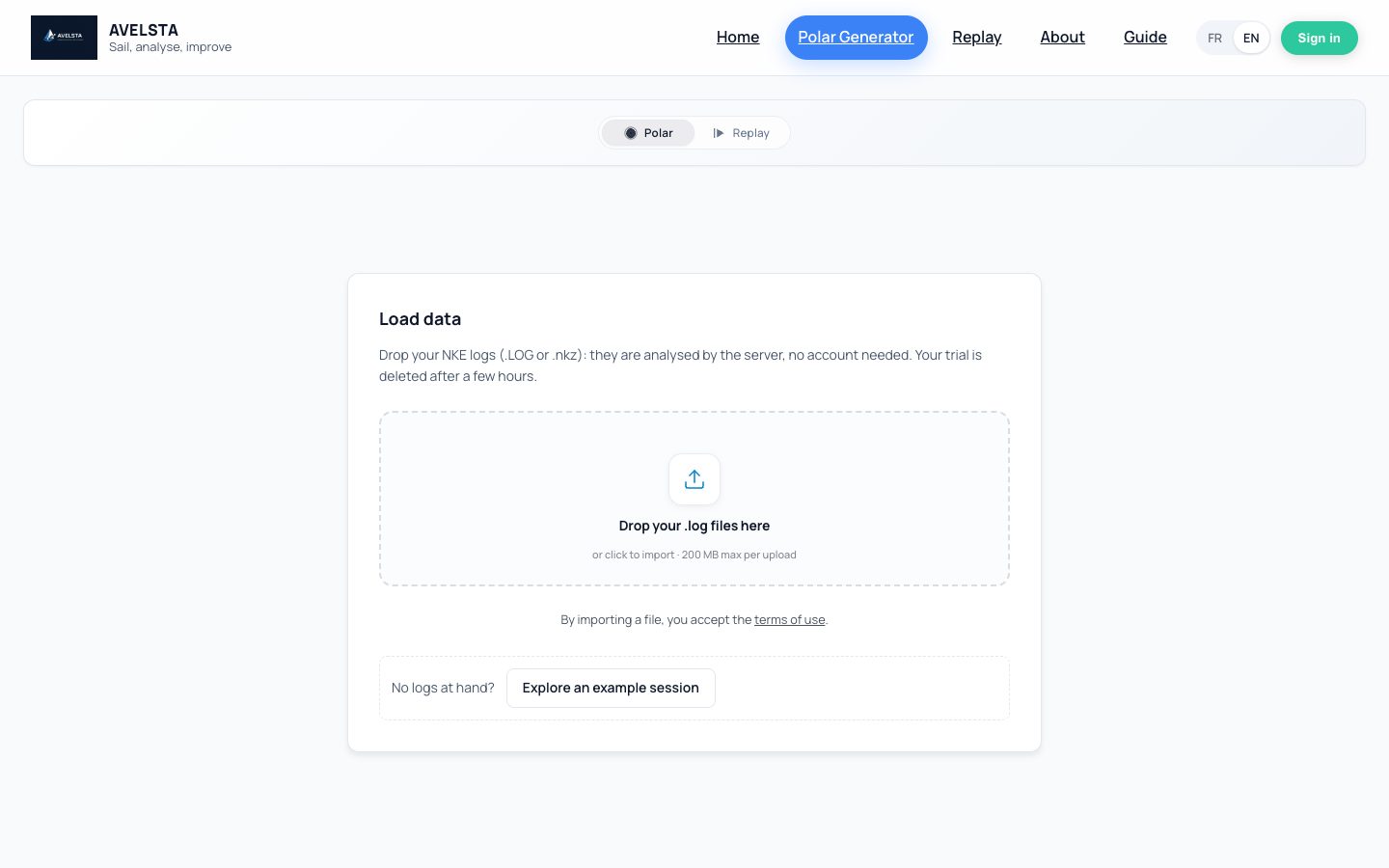
- Drop your
.nkzor.LOGfiles in the drop area, as they are, without renaming or converting them. - A few seconds later, your sailing sessions show up: track on the map, curves, replay, statistics.
What you see
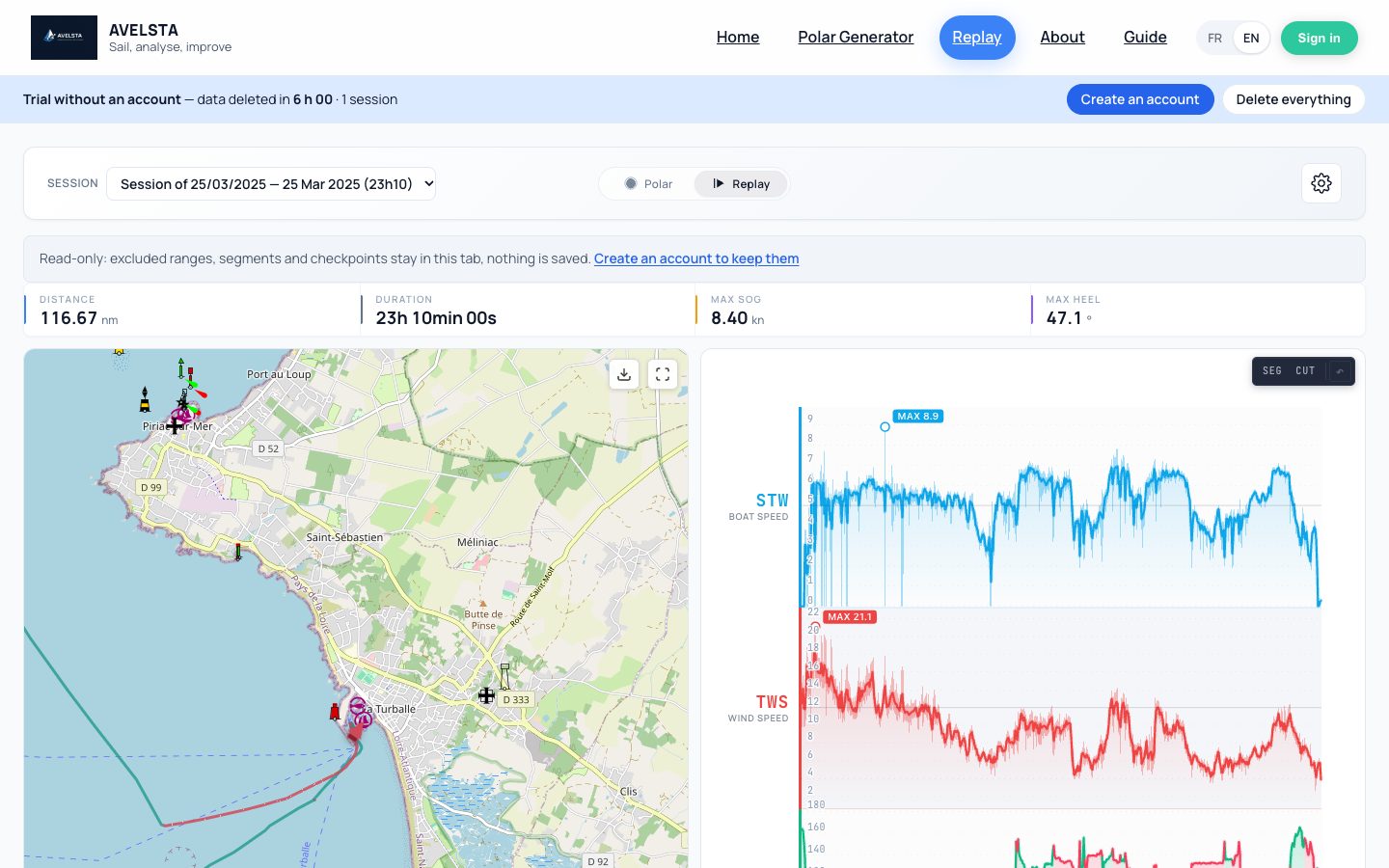
- The track on a nautical chart, coloured by tack.
- The curves of speed through water and over ground (STW, SOG), true wind (TWS, TWD), wind angle (TWA), VMG, heel, pitch and current, when your instruments recorded them.
- The replay of the session, from real time up to ×20,000.
- The statistics: duration, distance, max speed, max heel.
- The polar computed from your files, and the polar percentage reached at every moment.
The files of the same outing are put back together and split into sailing sessions automatically: drop the whole content of the card or folder at once.
Free, with or without an account
| Without an account | With a free account | |
|---|---|---|
| Reading .nkz and .LOG files | yes | yes |
| Upload size | 200 MB | no limit |
| Retention | 6 hours | as long as you want |
| Boats, polars, sails saved | no | yes |
Your files are visible to you only. Without an account, everything is deleted after 6 hours, or right away with Delete everything.
Frequently asked questions
What software opens a .nkz file?
Avelsta opens it directly in the browser, for free: drop the file on avelsta.app/replay. Nothing to install, on Mac, Windows, Linux or tablet.
How do I read the .LOG files of my NKE Box?
Copy the .LOG files from the box and drop them into Avelsta. They are read as they are. See Read NKE datalogger .LOG files.
Do I need to convert my NKE files before opening them?
No. Avelsta reads .nkz and .LOG files directly: no conversion, no other software.
Can I drop .nkz and .LOG files together?
Yes, up to 500 files per upload. The files of the same boat join the same timeline, whatever their format.
Which other formats are accepted?
For now, NKE .nkz and .LOG files. A file in another format is flagged “Unsupported format” without affecting the others.