Read a .nkz file (NKE Processor HR) online
How to open a .nkz file recorded by the NKE Processor HR: drop it into Avelsta, with no software or conversion, and read the track, speed, wind, angle and polar.
The essentials
.nkz files are the recordings of the NKE Processor HR instrument processor. Avelsta accepts them and reads them directly in the browser.
- Retrieve the
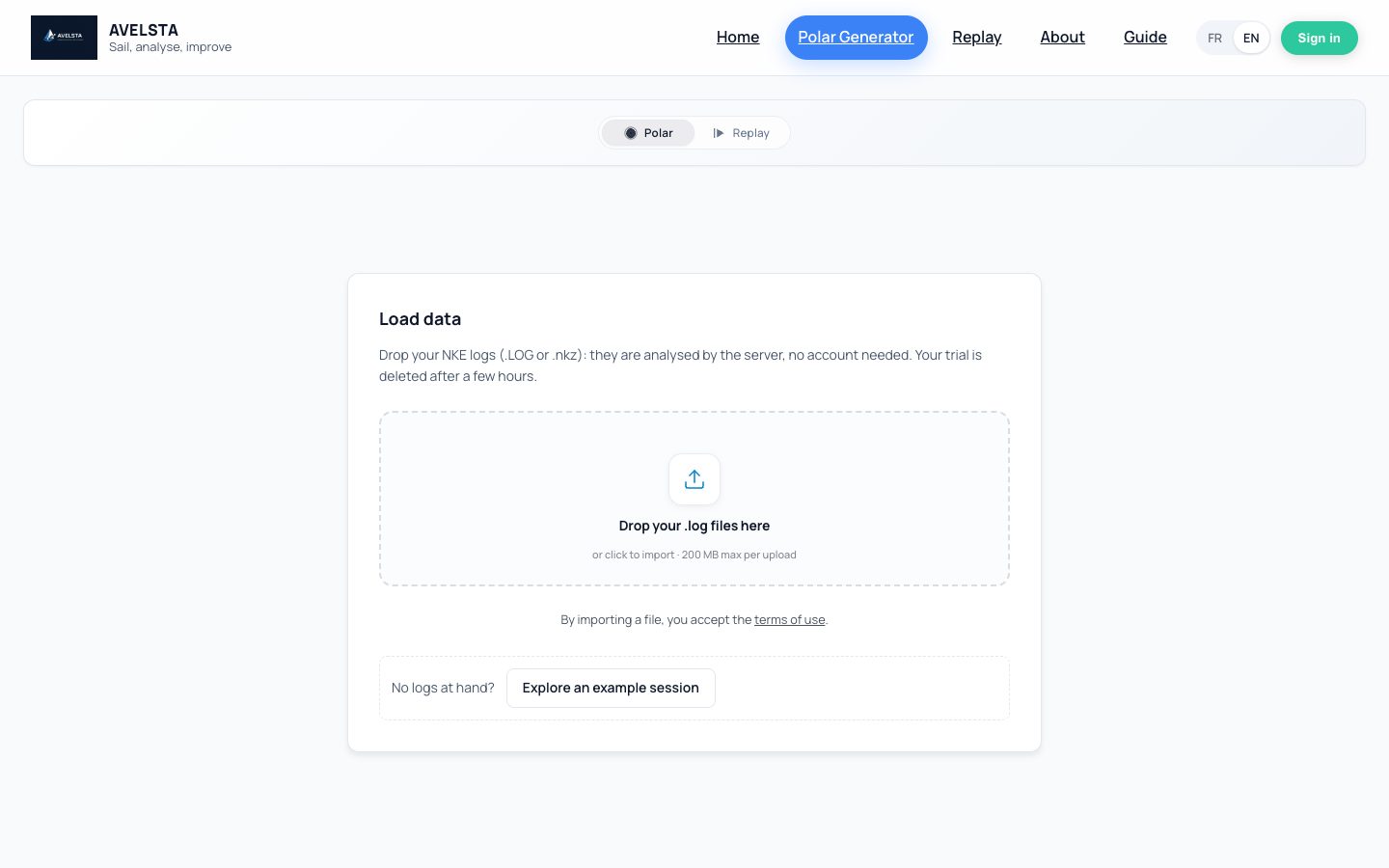
.nkzfiles recorded by your Processor HR, without renaming or converting them. - Open avelsta.app/replay (no account) or click Import in your account.
- Drop your
.nkzfiles, a single one or several hundred at once. - Open the session created: track, curves, replay and statistics are shown.
Going further
What you read in a .nkz
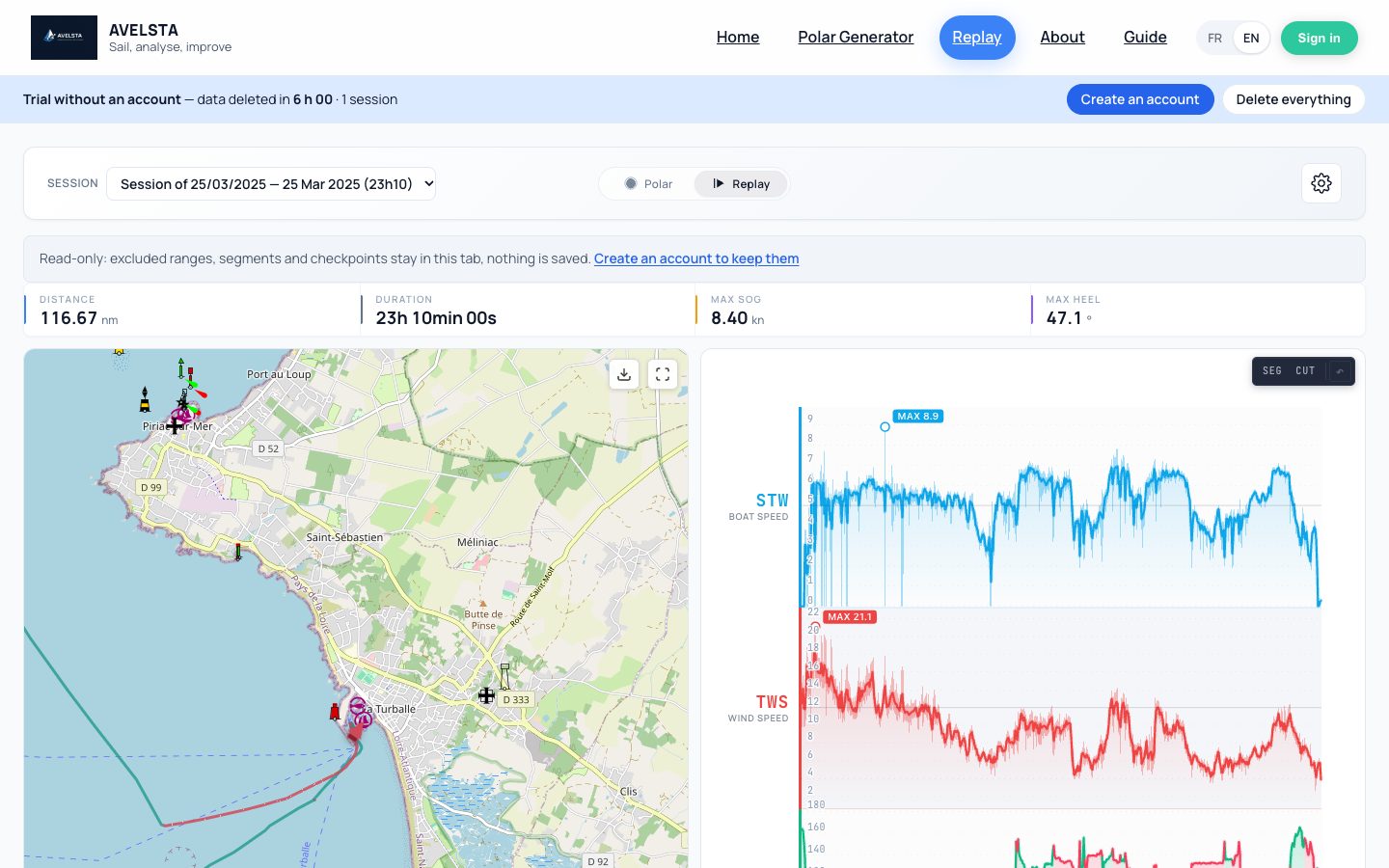
Avelsta shows the sailing measurements your processor recorded: GPS position, speed through water and over ground, heading, apparent and true wind, heel, pitch, current… Each measure becomes a curve of the timeline, in sync with the map and the replay.
Several files, one sailing session
An outing often produces several files. Drop them all: Avelsta places them on the boat’s timeline and splits the sessions automatically, leaving out the time at the dock.
With .LOG files
If you also have an NKE Box USB Datalog WiFi datalogger, drop its .LOG files on the same boat: they complete the same timeline. See Read NKE datalogger .LOG files.
A file without a time
If a recording holds no usable time, it is marked To date: enter when it was recorded (with an account). See Track an import.
Frequently asked questions
What software opens .nkz files?
Avelsta, online and for free: all you need is a recent browser, on Mac, Windows, Linux or tablet.
Do I need to convert the .nkz to NMEA or CSV?
No. Avelsta reads the .nkz file as it is; no conversion is needed.
Are my .nkz files shared?
No. Without an account, they are deleted after 6 hours; with an account, they are visible to you only.
My .nkz file is rejected
The message shown on the file gives the cause (empty, corrupted, no measurement). See Import errors.