The home screen and navigation
Find your way around the Avelsta signed-in space: home screen, 12-month activity, primary polar, latest sessions, boat selector and Import button.
The essentials
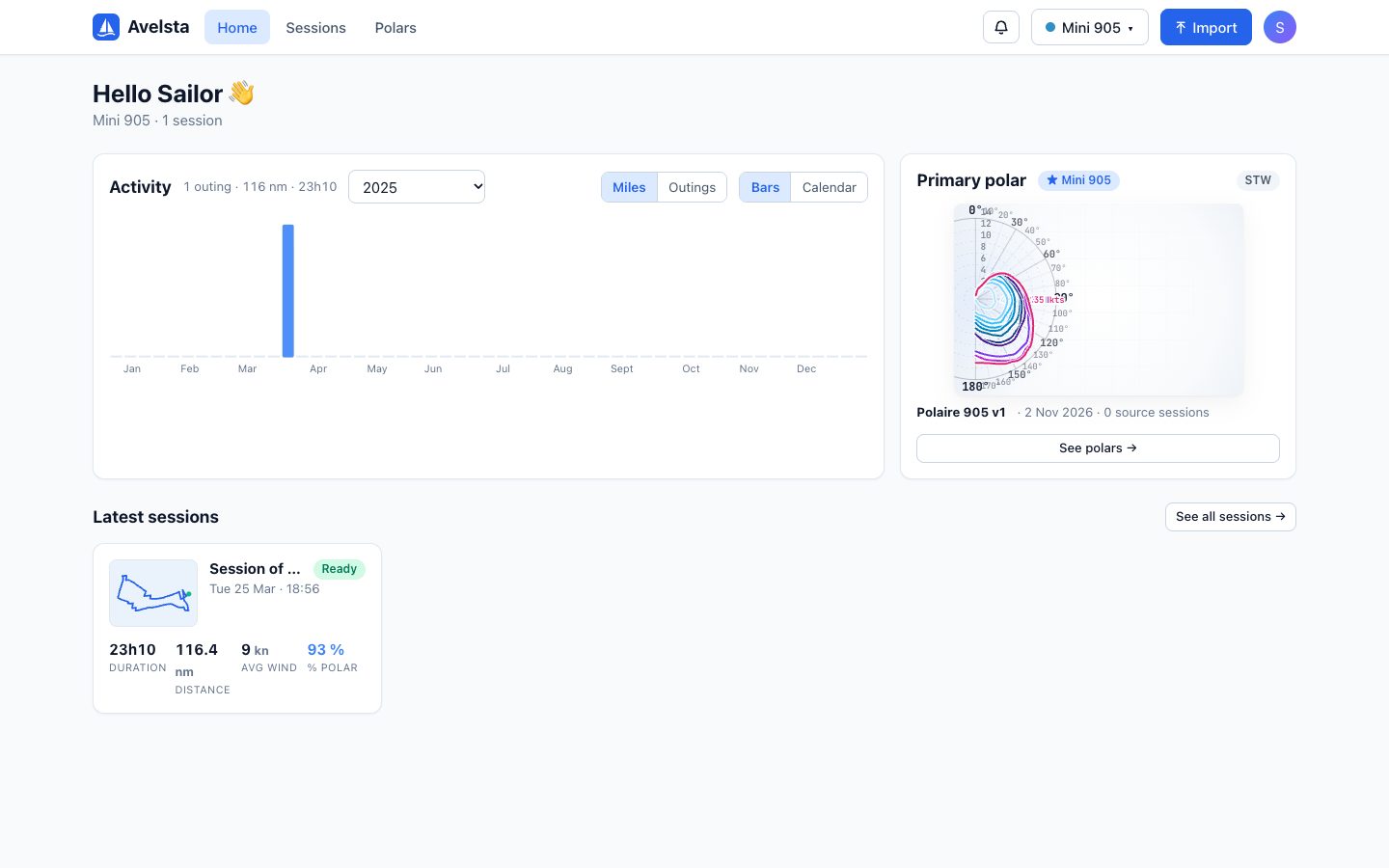
The home screen sums up the activity of the selected boat and gives access to everyday actions.
- Activity: miles sailed or number of outings per week, over the last 12 months or a given year.
- Primary polar: the polar used to compute the polar percentage of your sessions.
- Latest sessions: your most recent sailing sessions, with duration, distance, average wind and polar %.
- Top right: the notifications bell, the boat selector, the Import button and the profile menu.
Going further
The main menu
| Item | Content |
|---|---|
| Home | The home screen described here |
| Sessions | All your sailing sessions, with filters: Find your sessions |
| Polars | Your polars, per boat: Speed polars |
| Profile menu (avatar) | My boats, My imports, Profile & account, Sign out |
The boat selector
The button showing the boat name filters the whole app: home, sessions, polars. Choose All boats to see everything. The choice is remembered in your browser.
The activity chart
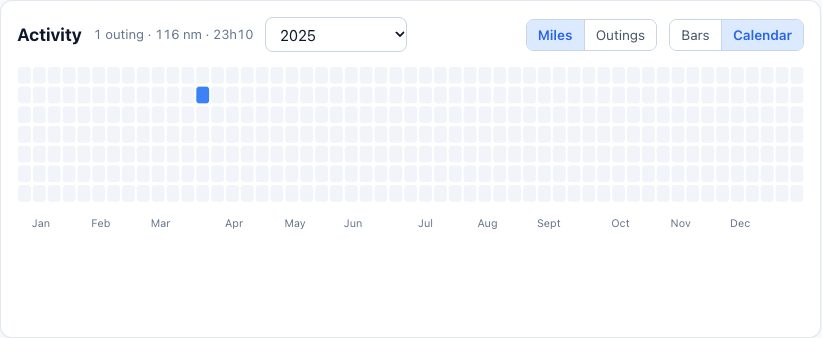
Switch between Miles and Outings, and between Bars (one bar per week) and Calendar. The period menu offers the last 12 months or each year you sailed. Hover over a week to see its details.
First visit
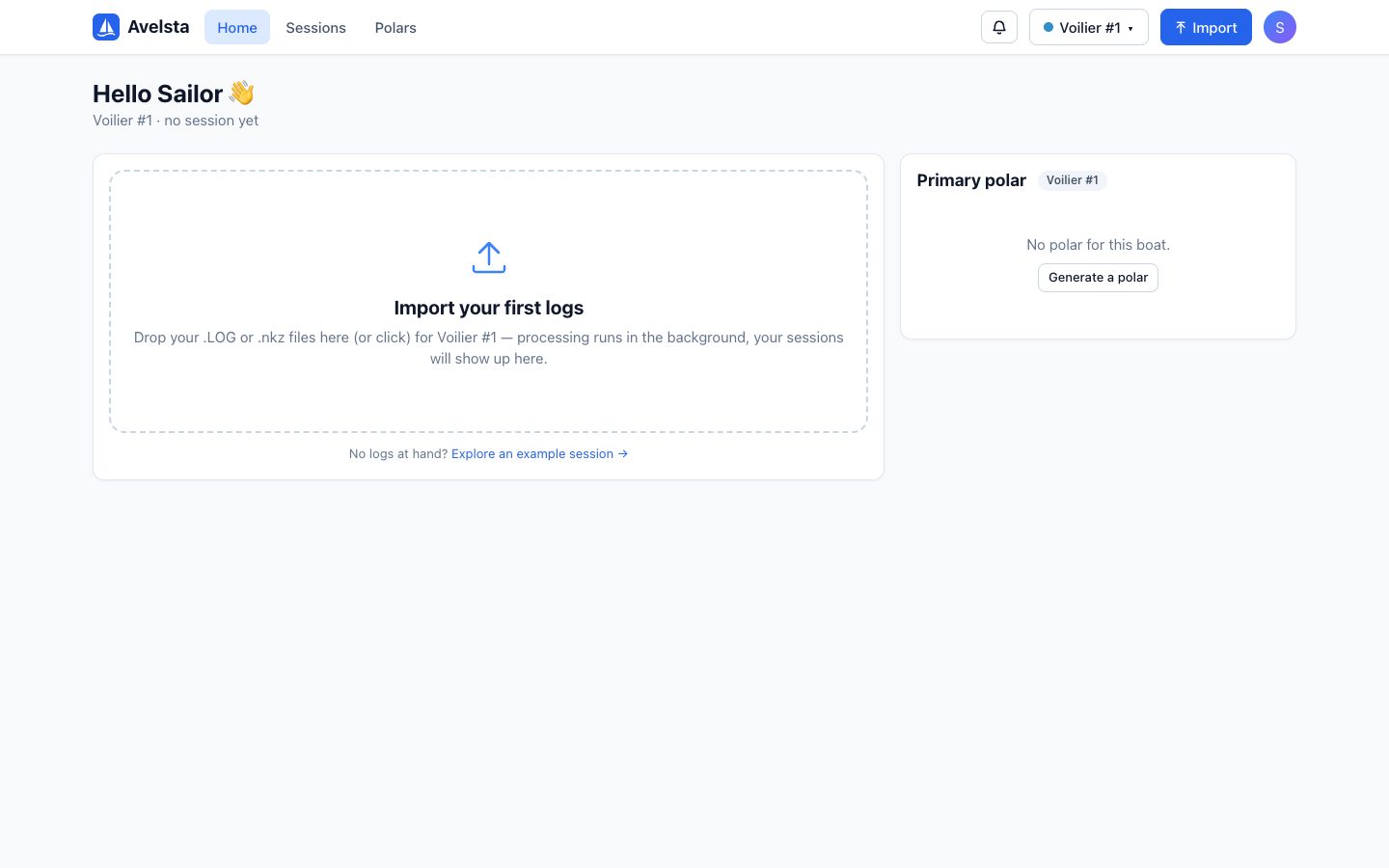
As long as there is no session, the home screen shows a large drop area: drop your logs there to start your first import. The Explore an example session link opens the example session.